How to use JetBlue Fly-Fi

JetBlue offers free, high-speed Wi-Fi at every seat, on every plane. Learn how to connect to JetBlue Fly-Fi to stay connected to the internet when you fly. How to connect to JetBlue Fly-Fi? Turn on Airplane Mode and connect to the “Fly-Fi” Wi-Fi network. Open a browser and type www.flyfi.com in the address bar. Select ‘Connect … Read more

How to use American Airlines Wi-Fi?

American Airlines offers inflight Wi-Fi on all international and mainline domestic flights. Learn how to connect to AA-Inflight Wi-Fi to stay connected to the internet. How to connect to American Airlines Wi-Fi? Turn on Airplane Mode and connect to the “AA-Inflight” Wi-Fi network. Open a browser and type aainflight.com in the address bar. Select ‘Get online’ … Read more

How to use Delta Wi-Fi?

Delta Air Lines offers onboard Wi-Fi on all domestic and international flights. Learn how to connect to Delta Wi-Fi to stay connected to the internet. How to connect to Delta Wi-Fi? Turn on Airplane Mode and connect to the “DeltaWiFi.com” Wi-Fi network. Open a browser and type DeltaWiFi.com in the address bar. Choose a plan and … Read more

How to use United Wi-Fi?

United Airlines offers In-Flight Wi-Fi on domestic and international flights. Learn how to connect to United Wi-Fi to stay connected to the internet when you fly. How to connect to United Wi-Fi? Turn on Airplane Mode and connect to the “Unitedwifi.com” Wi-Fi network. Open a browser and type http://www.unitedwifi.com in the address bar. Choose a … Read more

How to use Snapchat for Web?

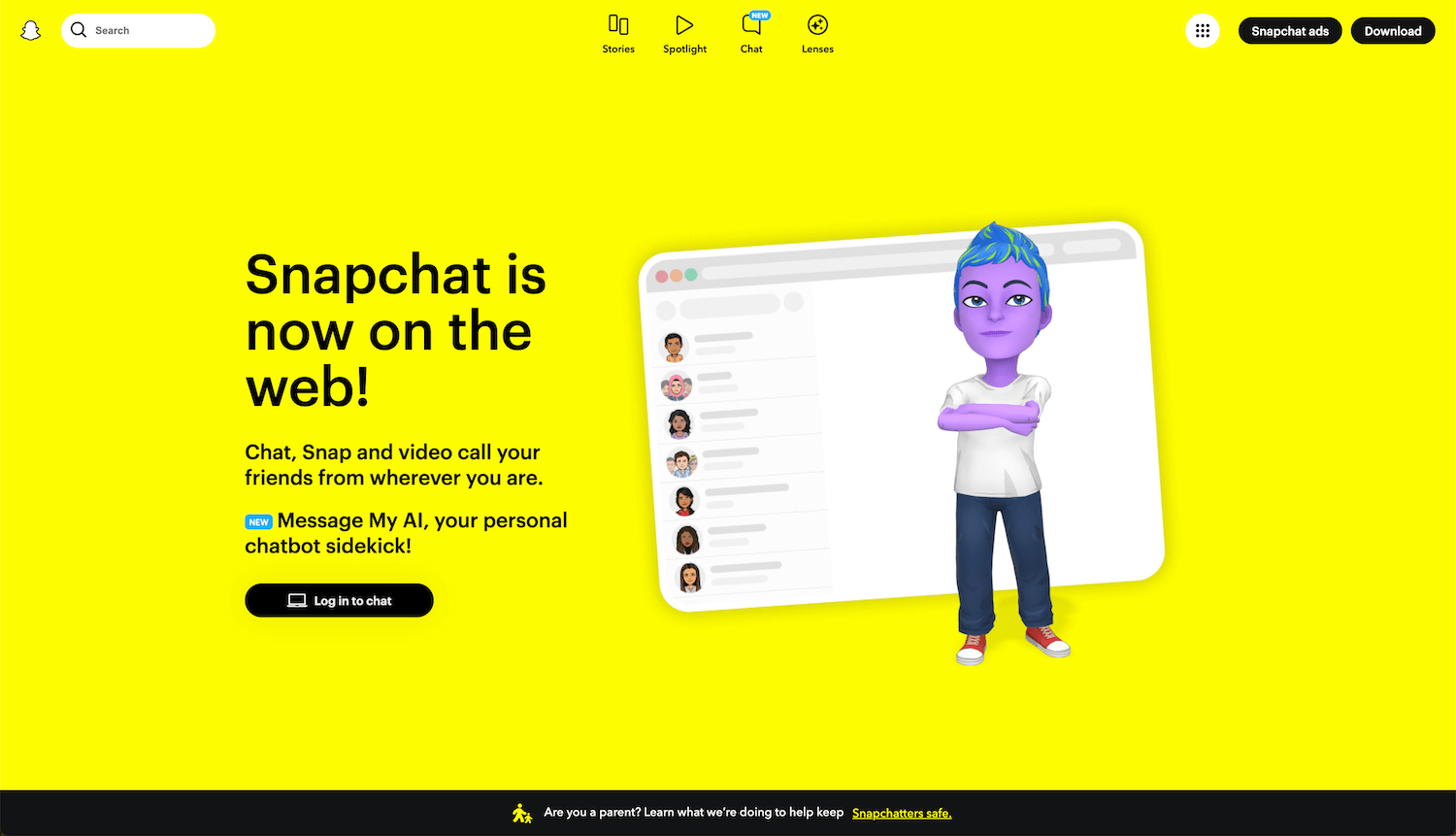
Snapchat for Web is a browser-based application of Snapchat that you can use to call, snap, and chat with your friends and family right from your computer. How to log in to Snapchat for Web? Open a browser and type https://web.snapchat.com in the address bar. Enter your Username, email address, or phone number, and click … Read more

SnapTik – Download TikTok Videos Without Watermark

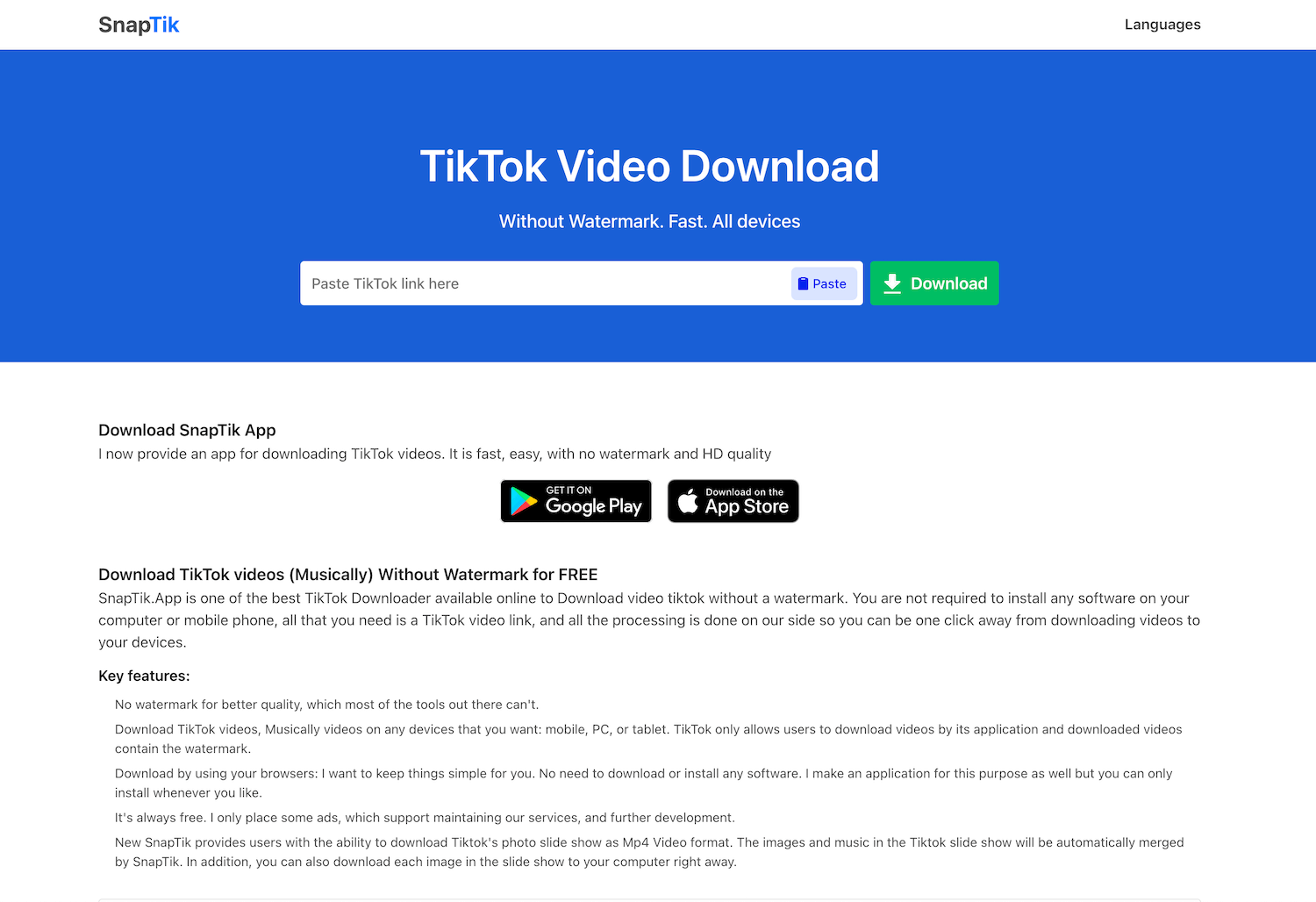
SnapTik is a free app to download TikTok videos without watermark in high quality and save Mp4 format locally on your mobile phone, desktop, or tablet. How to use SnapTik app? Open a browser and type https://snaptik.app in the address bar. Paste a TikTok video link in the field and click Download. The MP4 file … Read more

How to use Telegram Web?

Telegram Web is a cloud-based application of Telegram that you can use to quickly send and receive Telegram messages right from your desktop. The messages are synced across all your devices. How to log in to Telegram Web by QR Code? Open a browser and type https://web.telegram.org in the address bar. Open Telegram on your phone. … Read more

How to use WhatsApp Web?

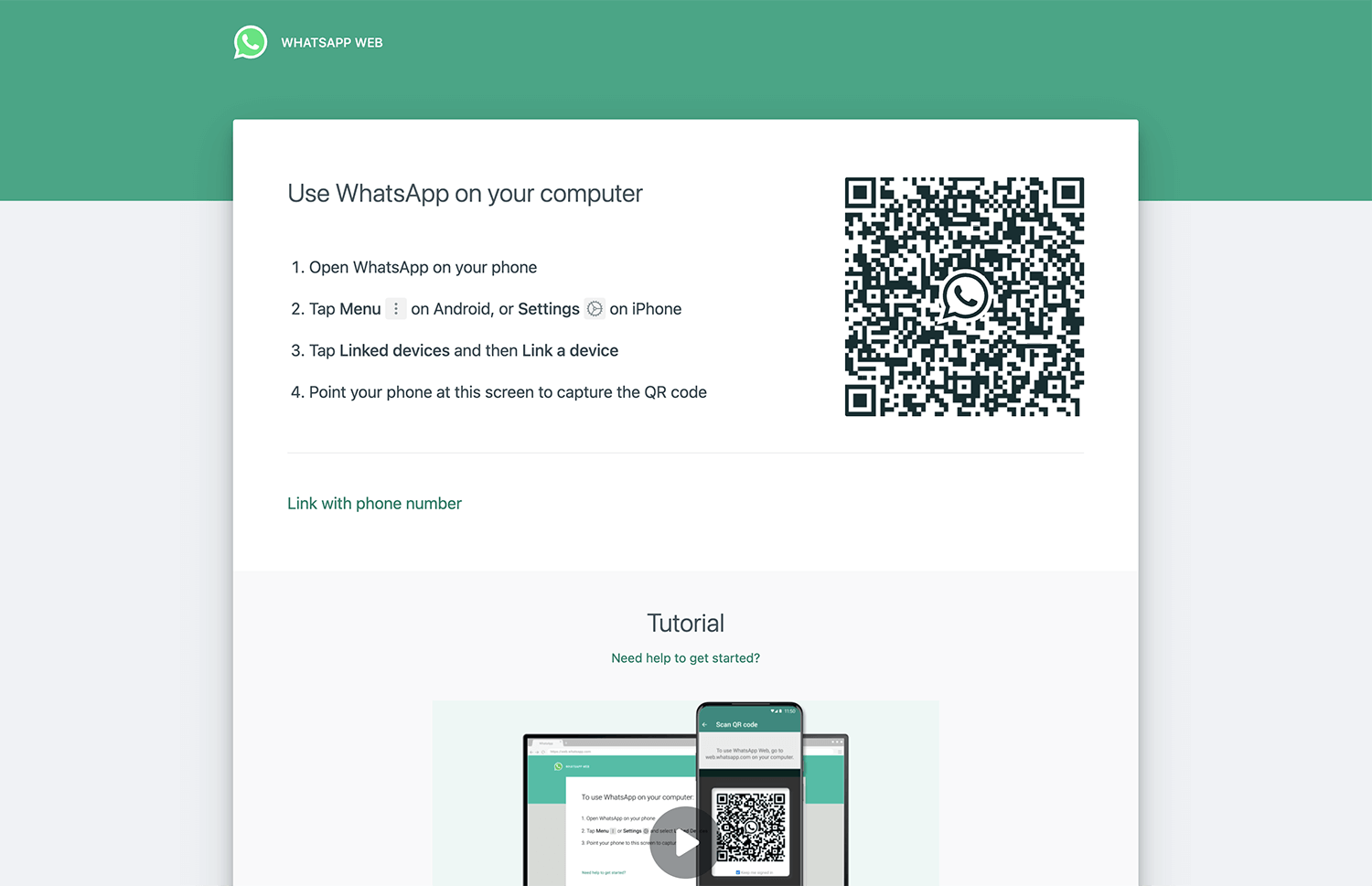
WhatsApp Web is a browser-based application of WhatsApp which you can use to quickly send and receive WhatsApp messages right from your computer. The messages you send and receive are synced between your phone and computer. How to log in to WhatsApp Web? Open a browser and type https://web.whatsapp.com in the address bar. Open WhatsApp … Read more