

Charlotte Douglas International Airport (CLT) offers free Wi-Fi to passengers throughout the terminal. Learn how to connect to the CLT Airport Wi-Fi network to stay connected the the internet.
How to connect to Charlotte Airport Wi-Fi?
- Go to Settings > Wi-Fi.
- Connect to “CLT Free WiFi” from the list of available networks.
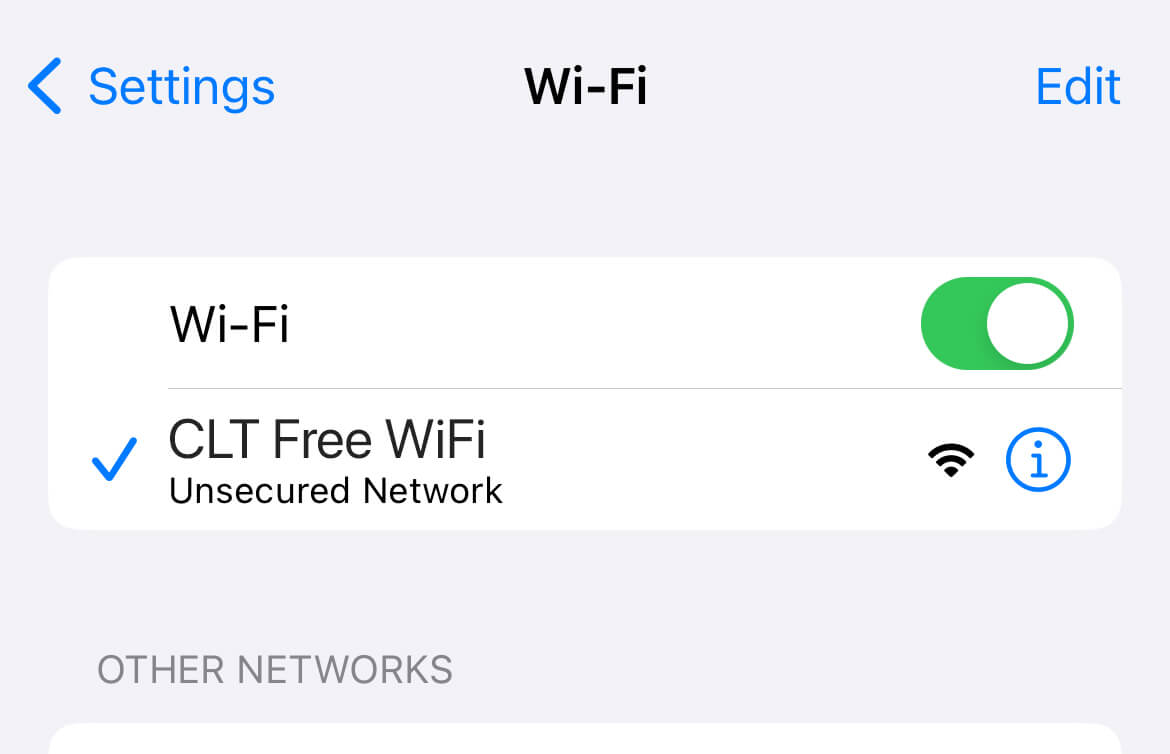
- A Wi-Fi landing page will open automatically. If it doesn’t, open your browser and type in any non-https URL in the address bar such as http://captive.apple.com to prompt the Wi-Fi page to load.
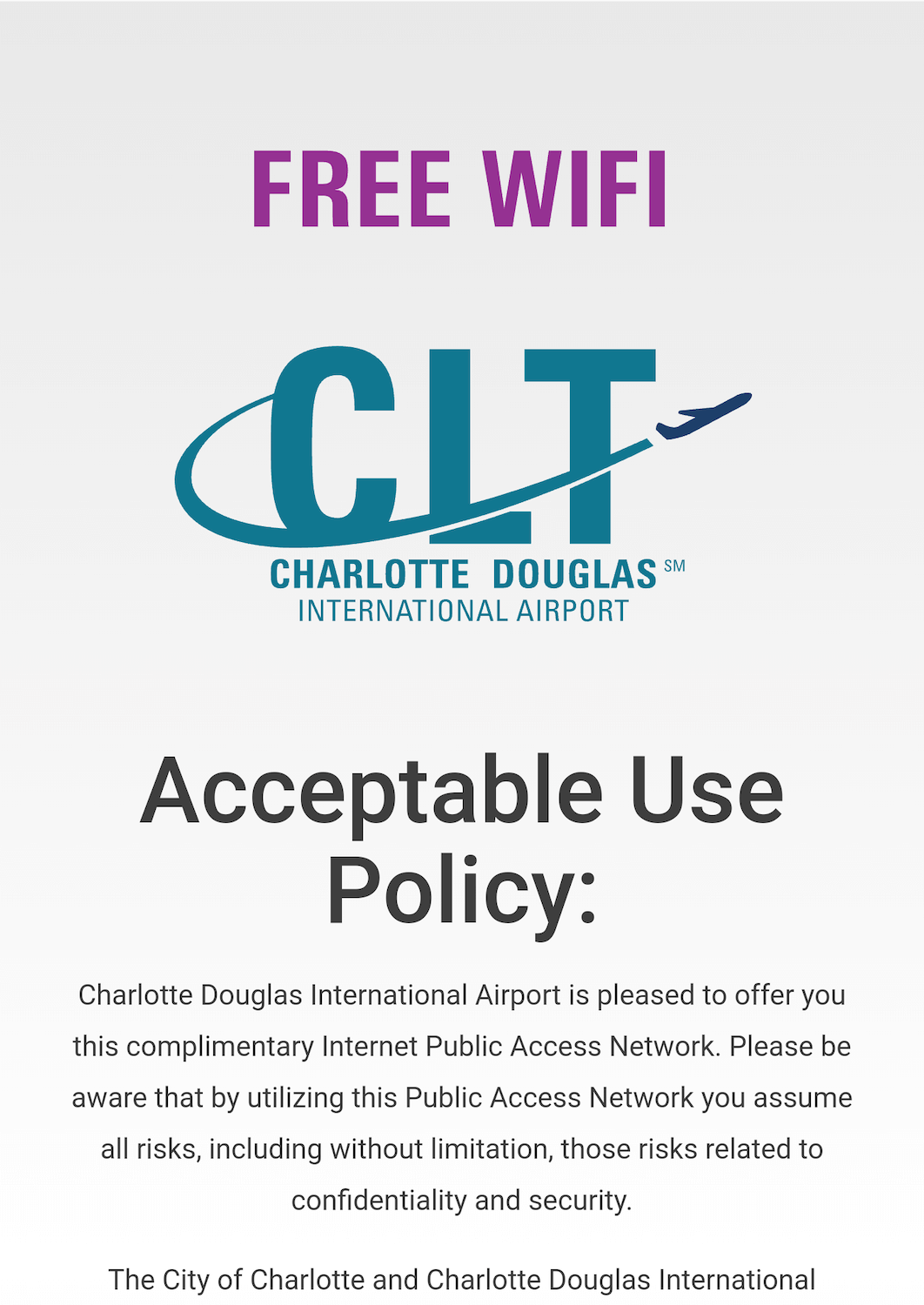
- Accept the terms of usage and you will be connected to the Charlotte Airport Wi-Fi network.
Note: The CLT Free WiFi network does not require a password to join.
Frequently Asked Questions
How fast is the Charlotte Airport Wi-Fi?
Charlotte Douglas International Airport has a median download speed of 47.68 Mbps. You should be able to browse the web, stream movies, and video call at this speed. However, it may be slower during peak hours. For optimal speed choose an area to work with low foot traffic and boarding gates.
You may also choose to visit one of the many lounges at the Main Terminal, Concourse A, and D/E which offers more private internet access and better speeds.
How fast is your internet? Test your Internet speed.
I can not connect to the Wi-Fi network
If you are using randomized MAC or rotating Wi-Fi address, you may be unable to connect to the internet. Go to your network settings and use Fixed Private Wi-Fi Address (for iOS) or Use device MAC (for Android) under Privacy settings and try again.
On the Wi-Fi access page, if you have clicked “Cancel” or “Keep Connected Without Internet” simply disconnect the Wi-Fi and reconnect again.
The Wi-Fi landing page is not opening
- Go to Wi-Fi Settings and Forget the network. Next, turn Wi-Fi off and turn it back on. Now reconnect to the CLT Free WiFi network.
- To force load the Wi-Fi captive portal page, you need to open any non-https URL such as http://1.1.102.1 (it’s gateway address) on your browser.
- Use the latest version of Google Chrome, Safari, MS Edge or Firefox browser.
How safe is Charlotte Airport Wi-Fi?
Avoid any activities that involves entering your credit card or banking details. Browsing the web, streaming videos, or checking your email should be generally safe but as with any public Wi-Fi, it involves risks related to confidentiality and security.
About Charlotte Douglas International Airport
Charlotte Douglas International Airport offers 188 non stop destinations and handles more than 58 million passengers annually making it one of the busiest airport in the United States. It is also the second largest hub for American Airlines. The airport is located 15 minutes from the city center. There are taxis, ride app pickup, CATS Sprinter bus service, and limo & shuttle services available for transportation at the airport.
How was your experience with Charlotte Airport Wi-Fi? Let us know in the comments below.